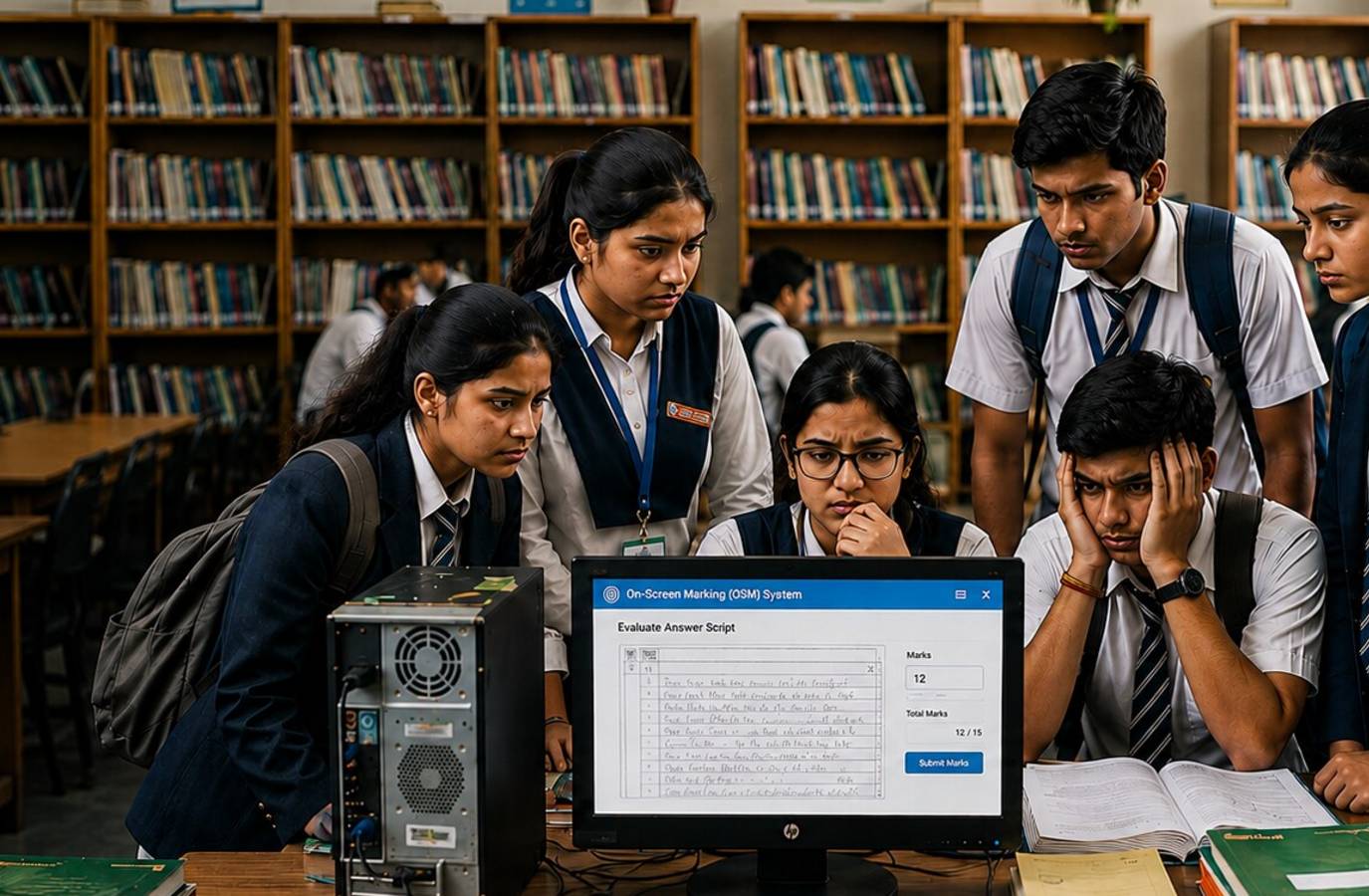
The Central Board of Secondary Education (CBSE) has opened the portal for verification of marks and re-evaluation for Class 12 students after multiple delays.
Here's a step-by-step guide to help students navigate the application process:
Verification of Marks:
- Select the verification of marks section.
- The subjects for which scanned copies have been obtained will be displayed on the screen.
- Select the subject.
- Choose the issue you want to report.
- Once completed, click 'Save and Continue to Preview'.
- If any changes are required, or if you wish to add another verification request, select 'Make Another Verification Request'.
- Once you are satisfied with the details, click 'Proceed to Payment'.
- A confirmation message will appear. After you click 'Lock My Request and Pay Now', the request will be frozen and cannot be edited.
- Complete the payment online.
- After successful payment, download the application.
- Students can track the status of their verification request through the portal.
Re-Evaluation:
- Select the re-evaluation section.
- Select the subject.
- Enter the details of the question for which re-evaluation is being requested.
- Mention the question number.
- Enter the page number where the question appears in your answer book.
- Mention the marks obtained for that question or section.
- In the 'Marks Claimed' field, enter the marks you believe should be awarded.
- Provide the reason for the re-evaluation request.
- If required, add more questions for re-evaluation.
- Click 'Save and Continue to Preview'.
- Review all details carefully.
- If another re-evaluation request is required, select the option to add another request.
- Once all details are verified, freeze the application and proceed.
- After freezing, no changes can be made.
- Verify the details and complete the online payment transaction.
- Once the payment is successful, download the application.
- Students can track the status of their re-evaluation request through the portal.