
Google Unveils Nano Banana Pro: Revolutionizing Image Generation and Editing
Google describes Nano Banana Pro as its new state-of-the-art image generation and editing model.
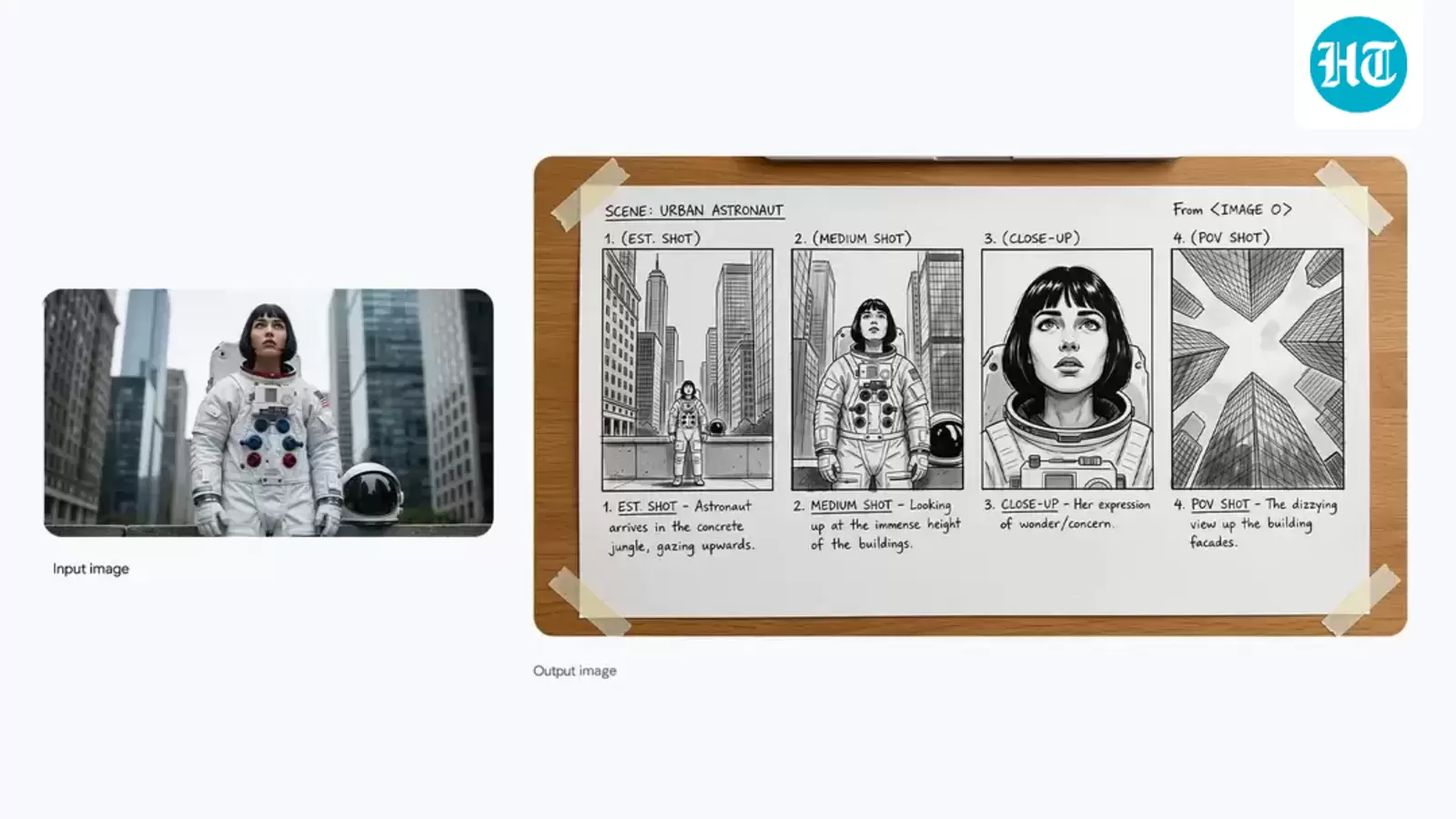
Google has officially launched Nano Banana Pro, a powerful AI tool that has taken the world by storm. As the highly anticipated successor to the original Nano Banana, this new version has been sparking excitement among users, who are eager to experiment with its capabilities.
Google CEO Sundar Pichai recently tweeted about the tool's impressive features, stating that it is 'SOTA for image generation + editing with more advanced world knowledge, text rendering, precision + controls.' Built on Gemini 3, Nano Banana Pro is particularly good at creating complex infographics, much like how engineers see the world.
So, what is Nano Banana Pro? According to Google, it's a 'new state-of-the-art image generation and editing model' that utilizes AI reasoning and real-world knowledge to visualize information. This tool is not just limited to image creation; it can also generate 'more helpful content' by producing context-rich infographics and diagrams based on user input.
Want to try it out? Here's a step-by-step guide on how to use Nano Banana Pro:
1. Visit the Gemini website or download the app.
2. Log in using your Google credentials.
3. Select 'Thinking with 3 Pro' as your model.
4. Choose 'Create images' from the Tools option.
Now, let's talk about prompts. Google has suggested some creative ideas to get you started:
* Create an infographic that shows how to make elaichi chai (cardamom tea).
* Design a vibrant, eye-catching typography on a textured off-white background with bold, blocky letters and a retro print aesthetic.
* Change the aspect ratio to 1:1 by reducing the background while keeping the character in its current position.
To get the best results, Google recommends including subject, composition, action, location, style, and editing instructions in your prompts. With Nano Banana Pro, the possibilities are endless, and we can't wait to see what you create!


